


Overview
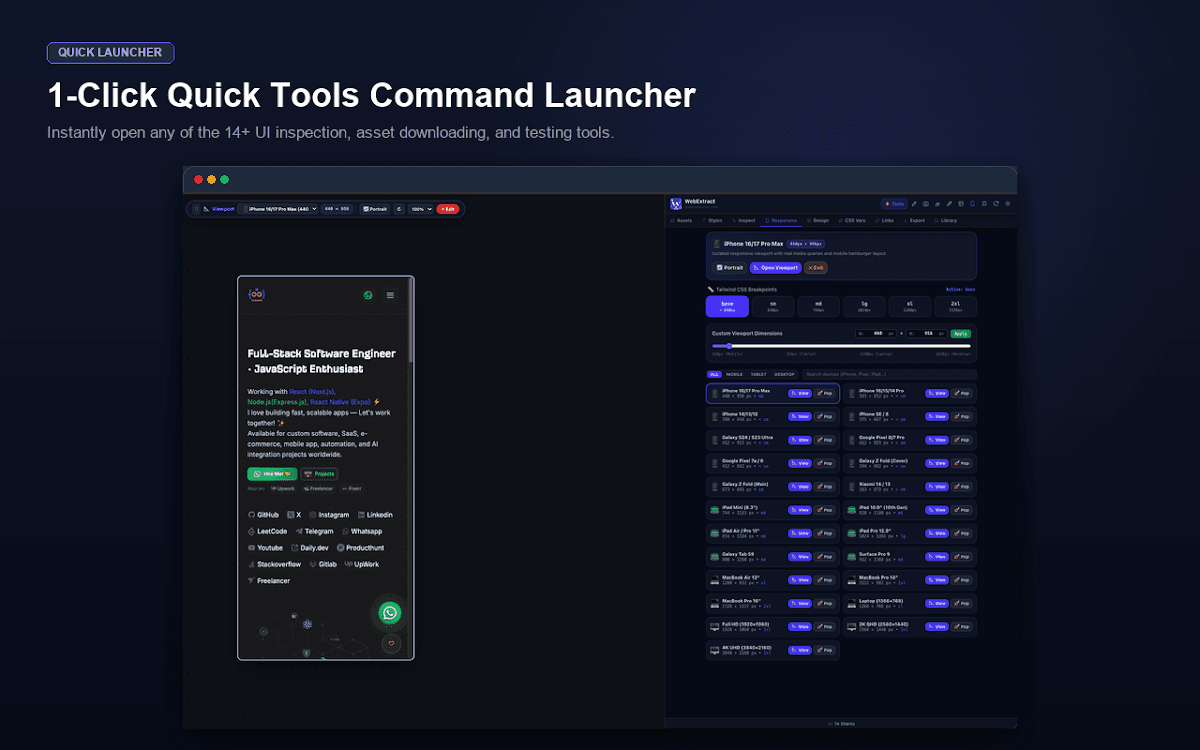
WebExtract brings asset extraction, CSS and typography inspection, responsive viewport testing, design-token export, technical SEO audits, network and API inspection, and layout debugging into one Chrome extension. Its tools run locally in the browser without an account or telemetry.
Features
- Extract images, SVGs, videos, backgrounds, and web fonts
- Inspect CSS, typography, colors, and design tokens
- Test mobile, tablet, and desktop viewports
- Audit SEO, performance, structured data, and security headers
- Inspect network requests, APIs, storage, and cookies
- Debug spacing, overflow, z-index, and live CSS
Best for
- Inspecting and documenting website assets
- Debugging responsive layouts and CSS
- Auditing technical SEO and network behavior
- Exporting design tokens and asset libraries
Frequently asked questions
What does this extension do?
WebExtract brings asset extraction, CSS and typography inspection, responsive viewport testing, design-token export, technical SEO audits, network and API inspection, and layout debugging into one Chrome extension. Its tools run locally in the browser without an account or telemetry.
Who is it useful for?
Inspecting and documenting website assets, Debugging responsive layouts and CSS, Auditing technical SEO and network behavior, Exporting design tokens and asset libraries.
Where can I install it?
Use the Chrome Web Store link above.