


Overview
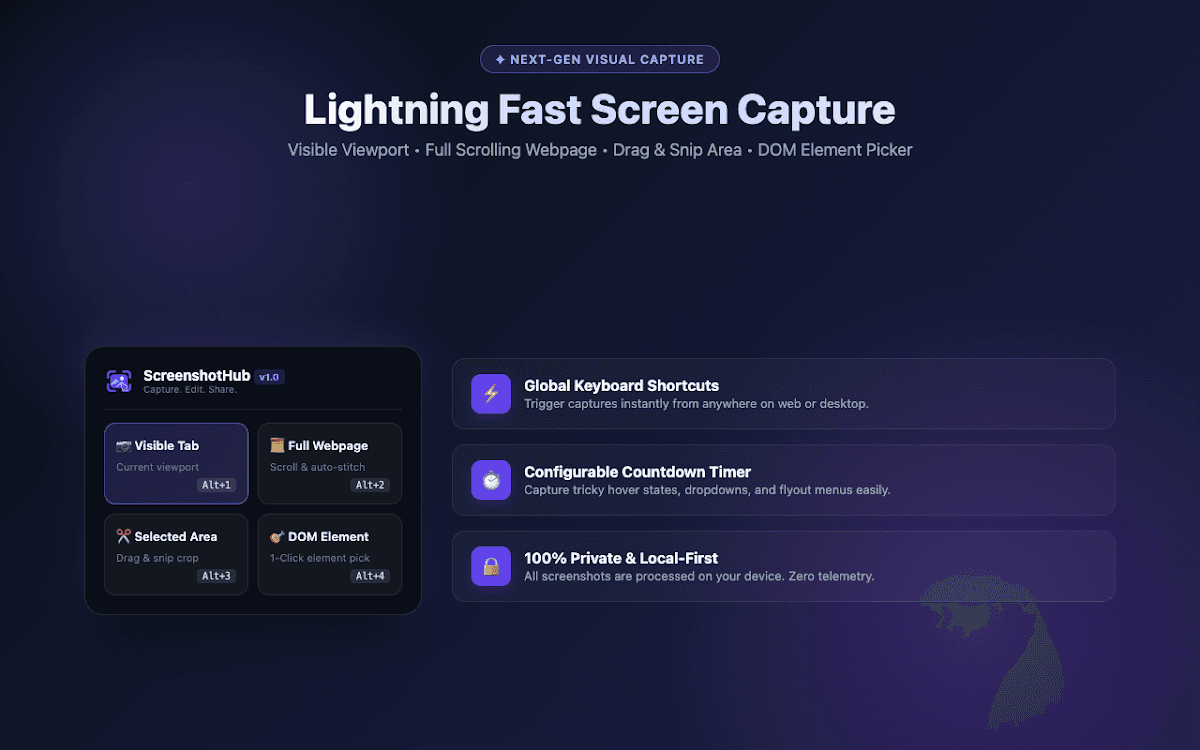
Capture visible screens, full scrolling webpages, selected areas, and individual elements. Annotate screenshots with studio tools, then export lossless PNGs or PDFs. Screenshots are processed locally on your device.
Features
- Capture the visible viewport or a full scrolling webpage
- Snip a selected area or pick a page element
- Annotate screenshots with editing tools
- Export lossless PNGs and PDFs
- Use global keyboard shortcuts and a configurable countdown timer
- Local processing with no ads or watermarks
Best for
- Documenting websites and product interfaces
- Sharing visual feedback and bug reports
- Capturing long articles and landing pages
- Creating annotated screenshots for tutorials
ScreenshotHub Desktop App
Capture full monitors, application windows, and selected regions on Windows, macOS, and Linux. Annotate, redact, frame, and export screenshots locally as PNG, WebP, or PDF files.
Frequently asked questions
What does this extension do?
Capture visible screens, full scrolling webpages, selected areas, and individual elements. Annotate screenshots with studio tools, then export lossless PNGs or PDFs. Screenshots are processed locally on your device.
Who is it useful for?
Documenting websites and product interfaces, Sharing visual feedback and bug reports, Capturing long articles and landing pages, Creating annotated screenshots for tutorials.
Where can I install it?
Use the Chrome Web Store link above.